
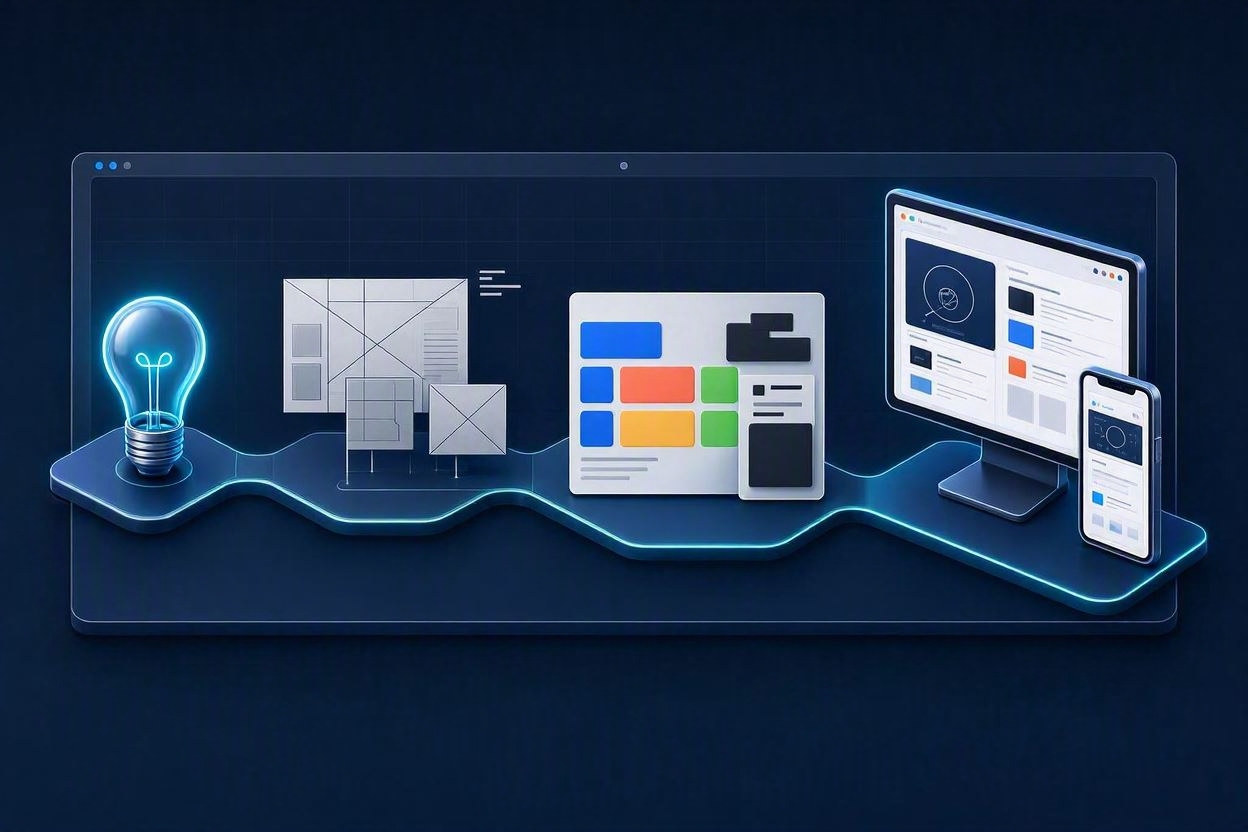
Template design is not just pretty pictures. It is a well-thought-out structure that solves business problems: leads the client to a request, sets you apart from competitors, reflects the brand. We have developed designs for more than 60 Joomla sites and we know: the right process from idea to mockup is half the success. Let us look at the stages of creating a design.
Stage 1. Idea and Concept
Everything starts with an idea. At this stage:
- Competitor analysis — what the niche leaders do, which techniques work.
- Determining the style — minimalism, corporate, bright, strict.
- Mood and emotions — what the user should feel.
- Key elements — logo, colors, fonts, graphics.
- The target audience — who will use the site.
The concept sets the direction for the whole project. If the concept is not thought through — the design will be "average" and not memorable.
Stage 2. Prototype
A structure is created without visual styling:
- The arrangement of blocks — what goes where.
- Navigation — how the user moves around the site.
- The content hierarchy — what is important, what is secondary.
- User scenarios — how the client achieves the goal.
- Page markup — which page types are needed.
The prototype determines the structure. Approval at this stage is cheaper than revisions in a finished design.
Stage 3. Visual Design
The prototype is styled visually:
- Colors and fonts — brand or selected for the task.
- Images — photos, illustrations, icons.
- Icons — in a single style.
- Effects — shadows, gradients, animations.
- Element states — hover, active, focus.
Visual design creates the mood. At this stage it is important not to get carried away with beauty to the detriment of functionality.
Stages of Creating a Design
The process from idea to mockup:
- Idea and concept — direction, style, emotions.
- Prototype — the structure without styling.
- Visual design — colors, fonts, graphics.
- Design of all pages — homepage, inner pages, catalog, contacts.
- Responsive versions — mobile, tablets, desktops.
- Handover to markup — the mockup with a description for the markup developer.
The process takes from 1 week for a simple project and up to a month for a complex one.
Page Design
Mockups are created for all page types:
- The homepage — offer, advantages, CTA.
- Inner pages — services, about, contacts.
- The catalog — products, categories, a product card.
- The blog — a list of articles, an article, categories.
- Special pages — 404, thank you, policy.
Each page is designed separately. If only the homepage is designed — the other pages will be "cobbled together" by the markup developer, and that shows.
Responsive Versions
Design for different screens:
- Desktop — 1440px and more.
- Tablet — 768–1024px.
- Mobile — 375–576px.
- Specifics of each — what is simplified, what is hidden.
Responsive design is mandatory. If the designer made only the desktop version — the markup developer will adapt it "by eye", and the result will be unpredictable.
Designer Tools
Modern tools speed up the work:
- Figma — the industry standard, collaboration, prototypes.
- Adobe XD — an alternative to Figma.
- Photoshop — for complex graphics and retouching.
- Sketch — popular in the Mac community.
- InVision — for prototypes and presentations.
Figma is the most popular choice. It allows team work, commenting, and testing prototypes.
How Much Design Costs
The cost depends on:
- The number of pages — 5 or 20.
- Complexity — simple or unique.
- Uniqueness — templated or custom.
- Urgency — standard deadlines or urgent.
- Responsive versions — desktop only or all devices.
Approximately: a simple homepage — from 15,000 ₽, a full site design — from 50,000 ₽. An exact estimate — after the brief.
"Good design is not decoration but a tool for solving business problems. A beautiful but inconvenient site does not bring sales."
When You Need a Specialist
Contact a designer if:
- You need a unique design for your brand.
- Ready-made templates do not fit the style.
- Working through UX and scenarios matters.
- A series of pages with a single style is planned.
- You have no time to develop the design yourself.
A specialist will create a mockup that solves your problems. Design is part of Template Development from Scratch. And if you only need to adapt a ready-made template — see Brand Adaptation.
In Short: What to Remember
- Design starts with an idea and a concept.
- The prototype determines the structure; visual design determines the styling.
- All page types are designed, including responsive ones.
- Figma is the industry standard.
- Cost: from 15,000 ₽ for the homepage, from 50,000 ₽ for the whole site.
- Good design solves business problems, it is not just "beautiful".
If you need a template design — contact us. We will create a mockup that solves your problems and sets you apart from competitors.